🎬 Video Tutorials
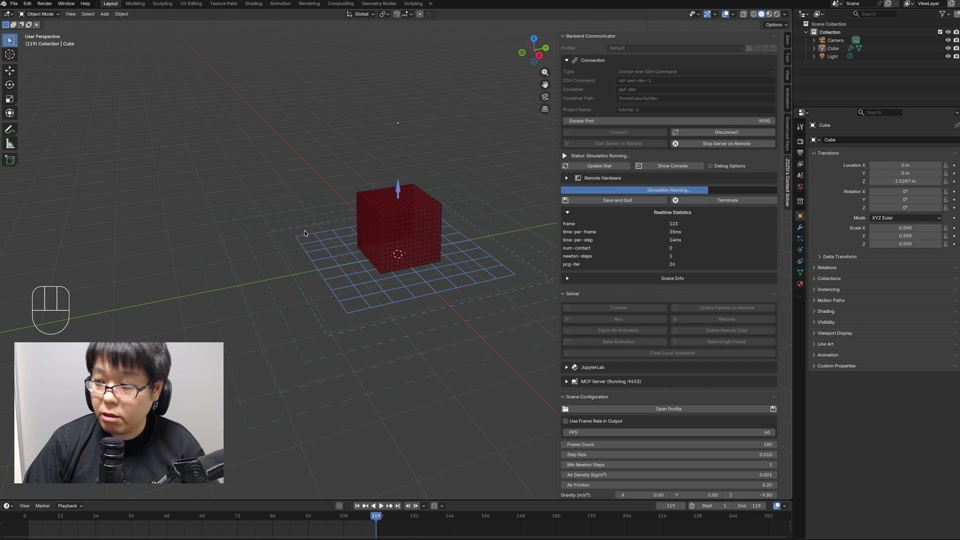
IntroductionA walkthrough of the add-on, from connecting to a server to running a first simulation.
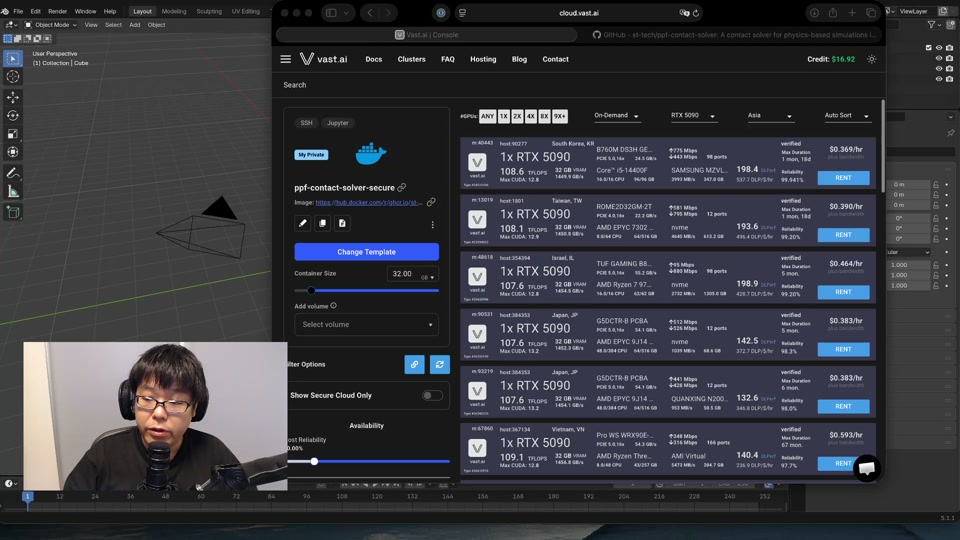
Setting Up vast.aiProvision a vast.ai instance and connect the add-on to it.
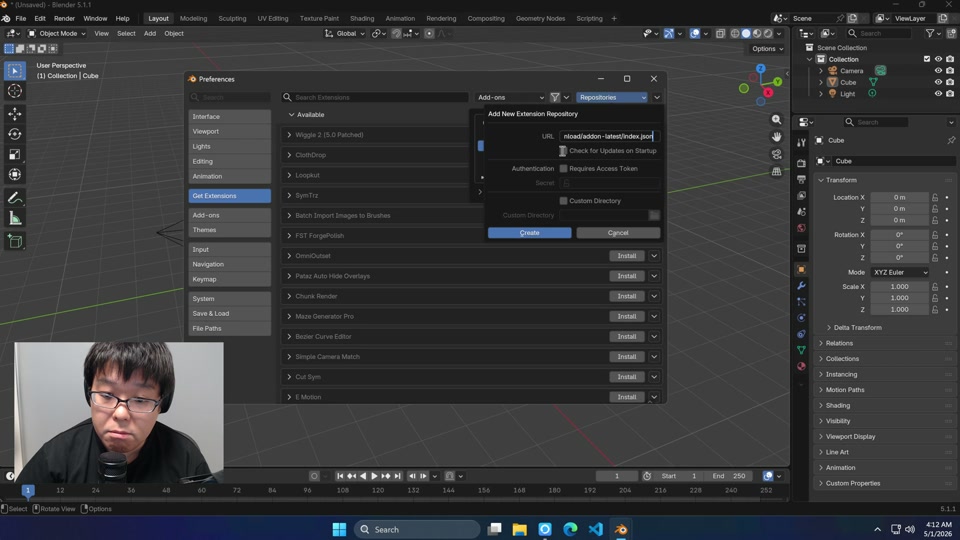
Windows SetupInstall and configure the add-on on Windows.
Fitting ClothDrape cloth onto a target form so it conforms to the shape.
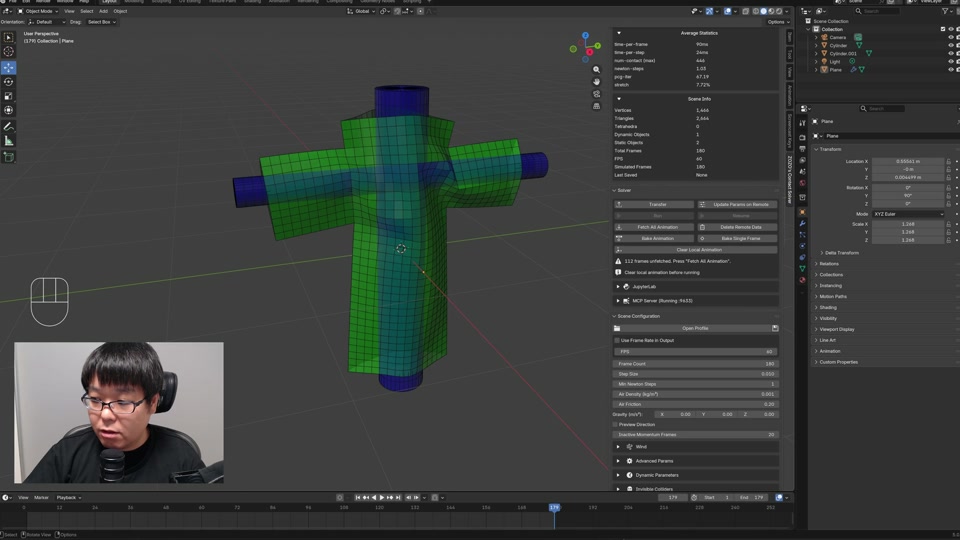
Armature InteractionPose an armature to drive deformable bodies during simulation.
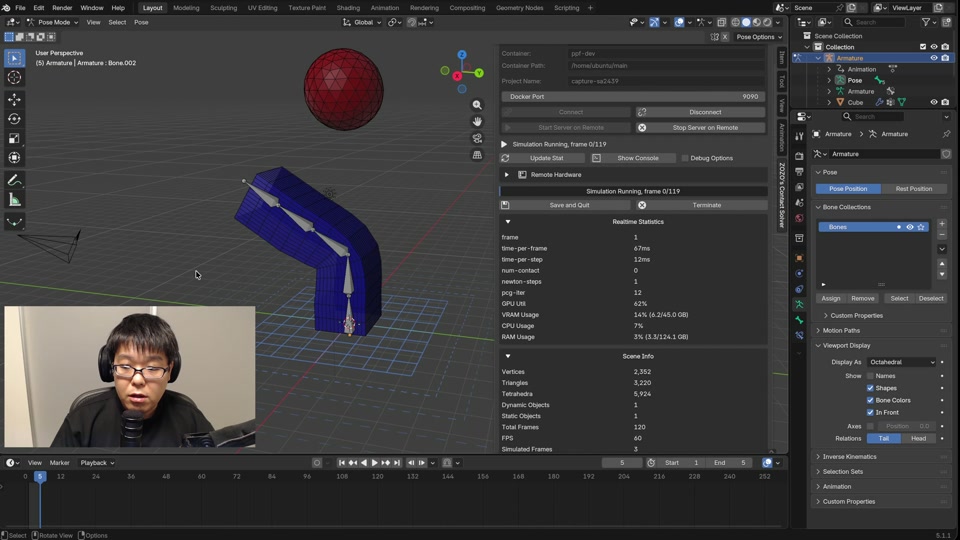
Armature Pin DeformationDrive pinned vertices with an armature to deform them during simulation.
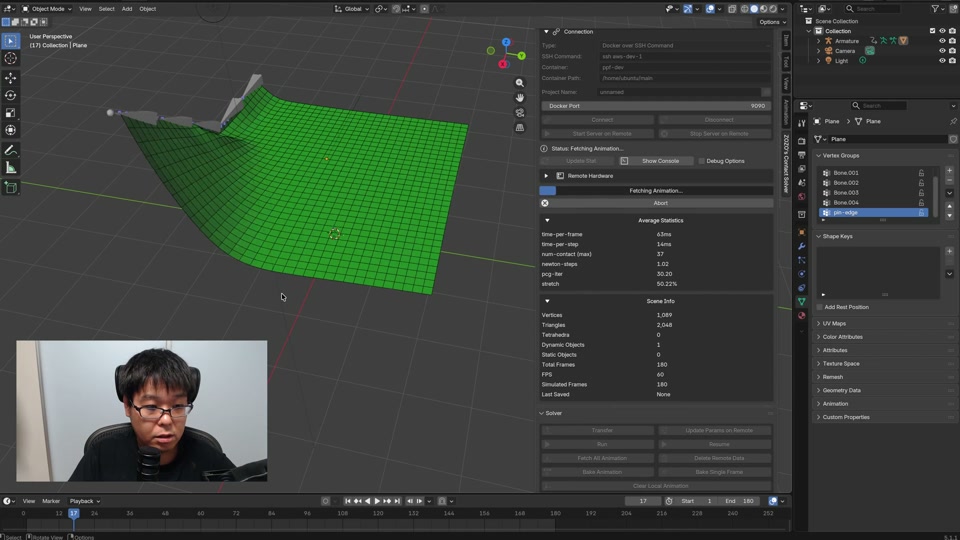
Twisting a CylinderPin both ends of a cylinder and rotate them to apply a twist.
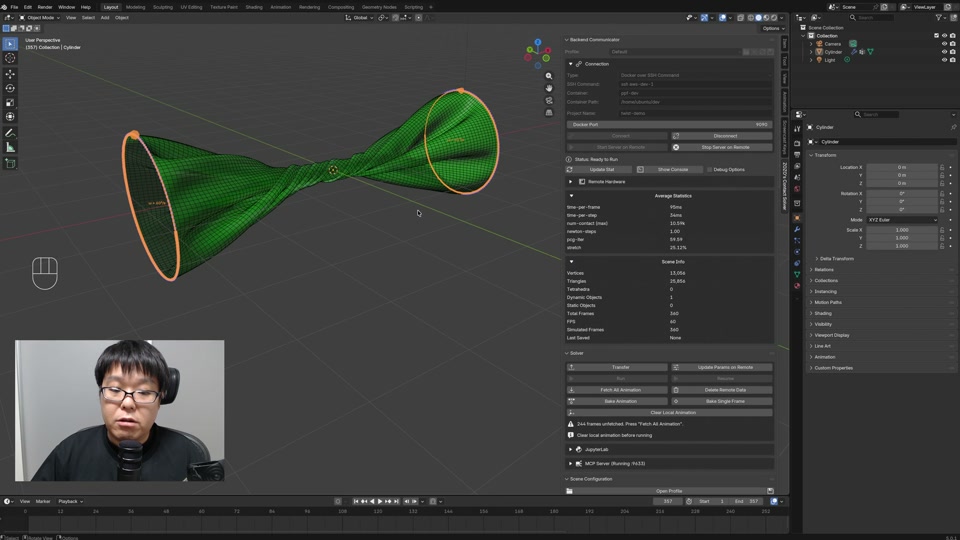
Compressing ObjectsSqueeze a body between colliders so it deforms under load.
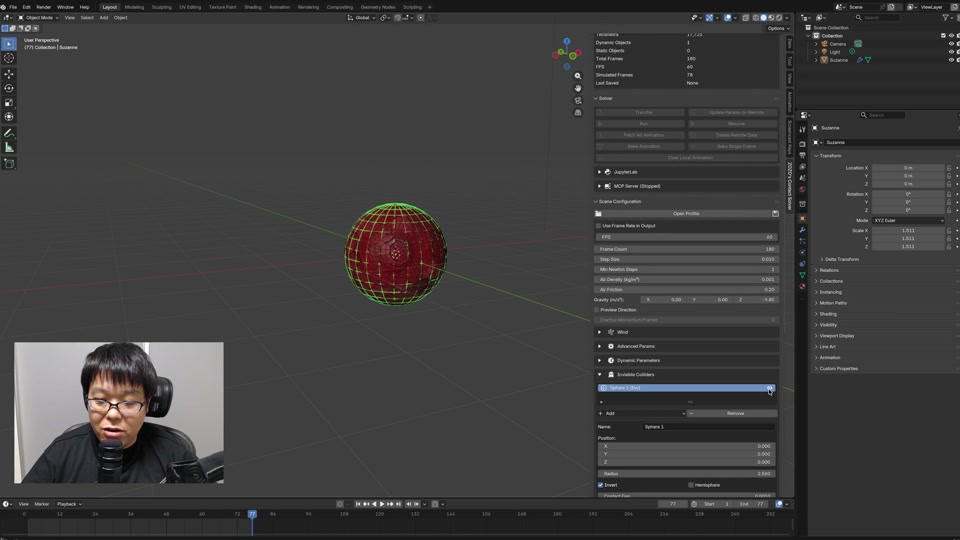
CurvesUse Blender curve objects as Rod elements.
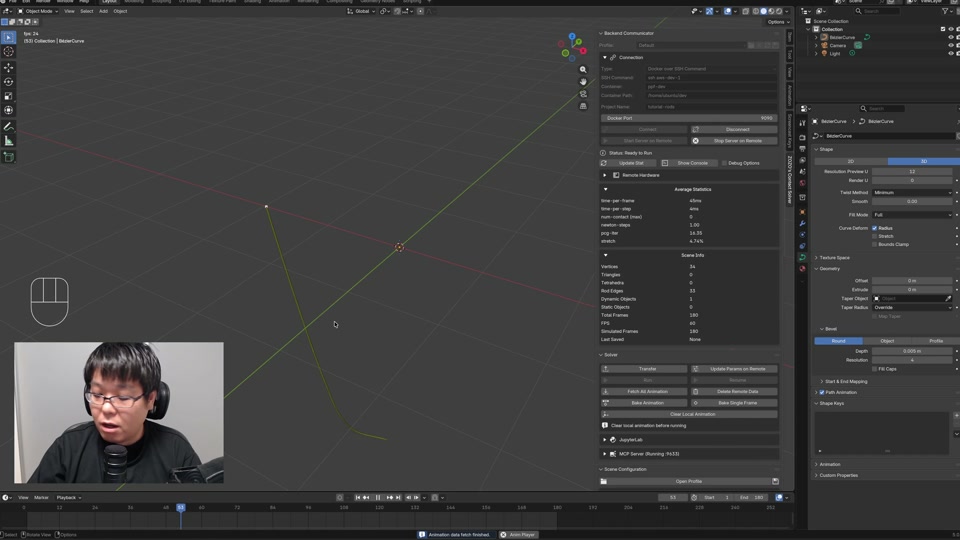
JupyterLab IntegrationRun a JupyterLab session alongside the add-on.
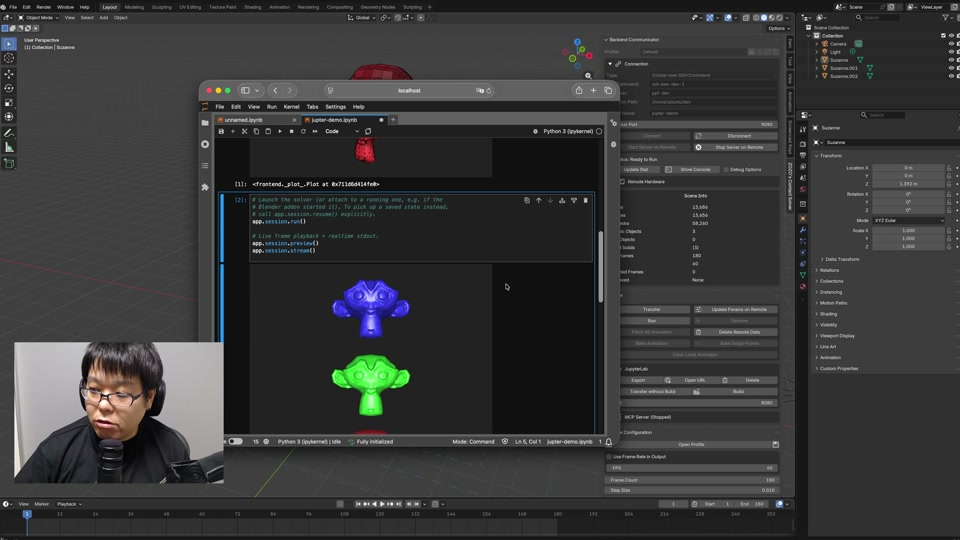
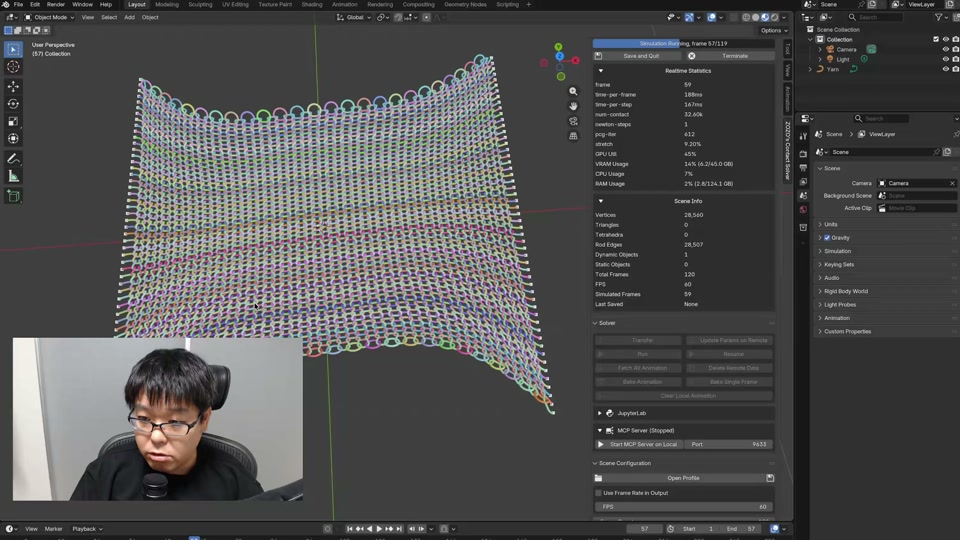
Simulating NetBuild a net structure and watch it deform under load.
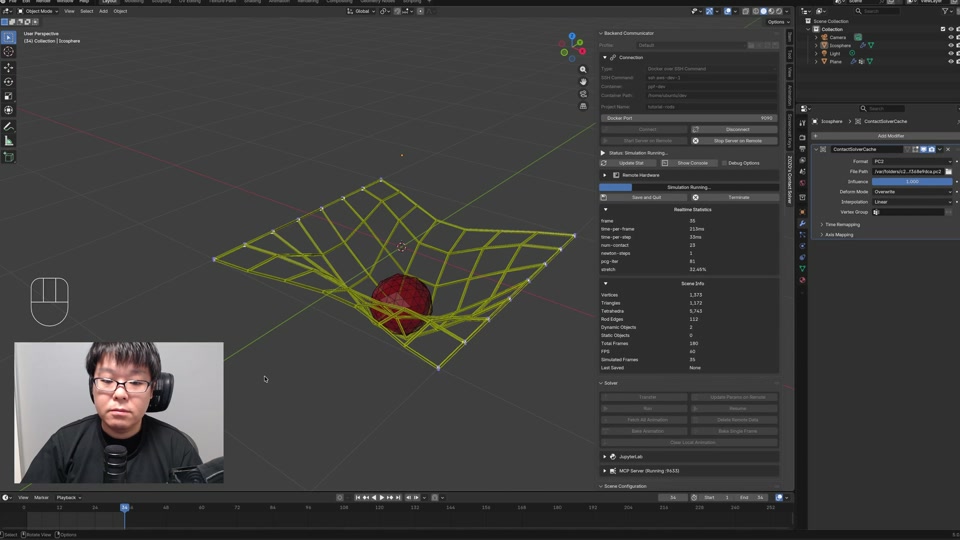
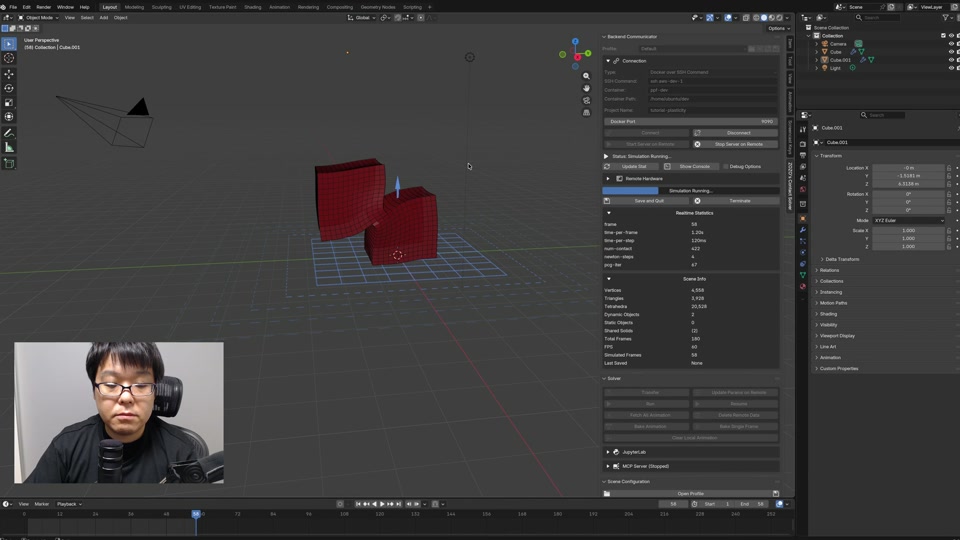
PlasticitySet plasticity parameters for permanent deformation.
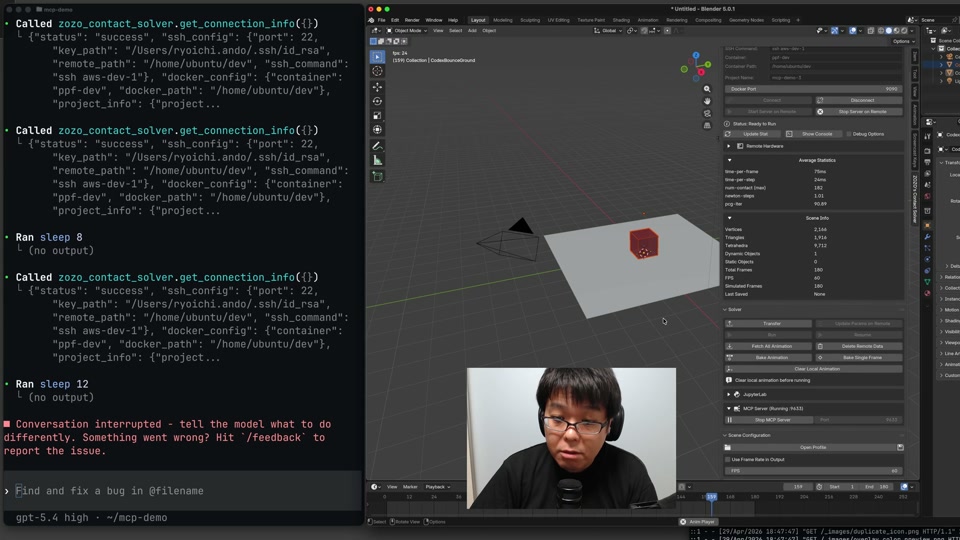
LLM Integration via MCPDrive the add-on from an LLM through the MCP server.
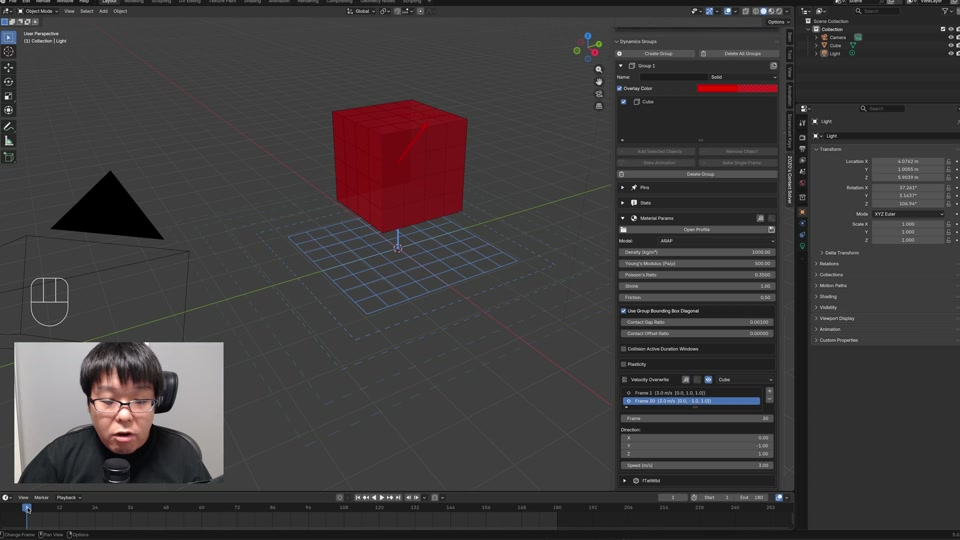
Velocity OverwriteOverride simulated velocity with keyframed targets.
Pin ConstraintsFix selected vertices in place so they stay put during simulation.
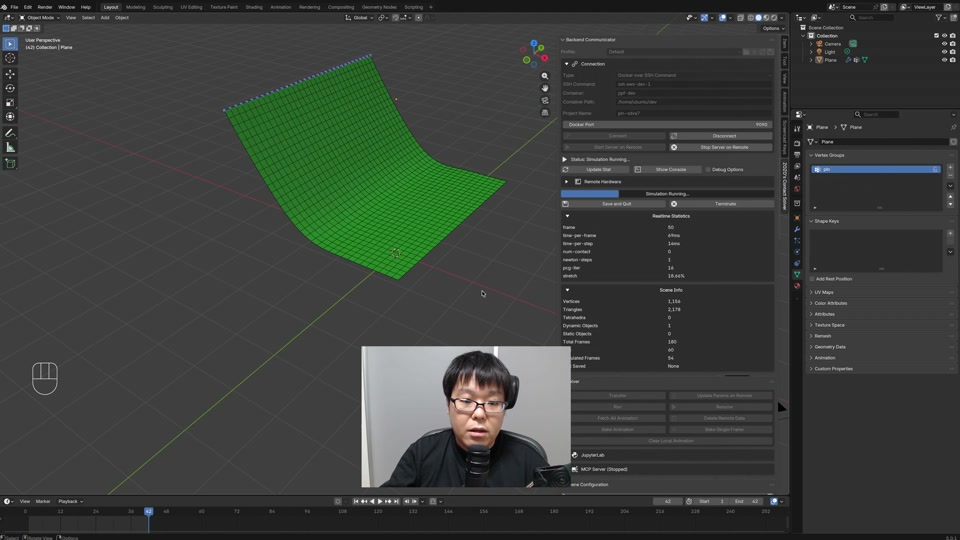
Moving PinsDrive pinned vertices along an animation so the constraint moves over time.
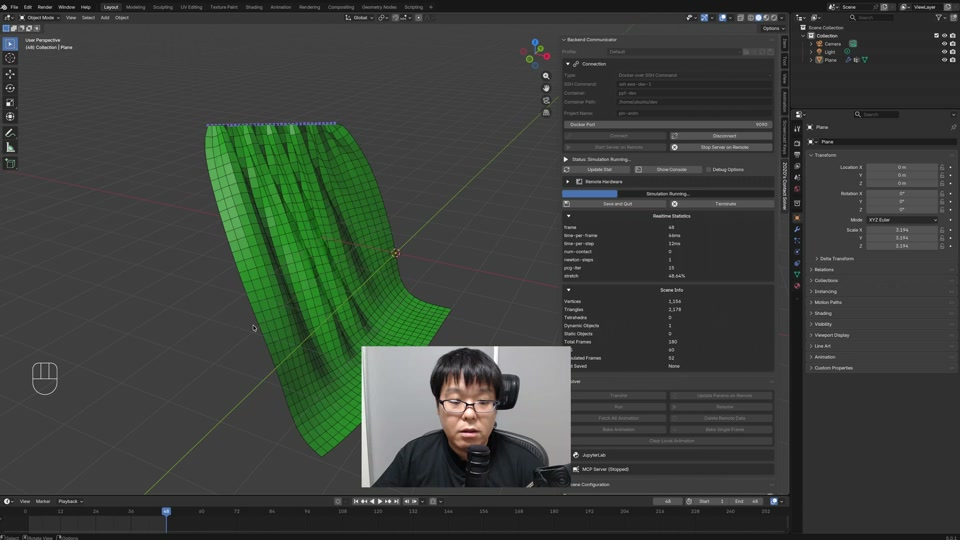
More Pin OperationsExtra controls on top of basic fixed pins.
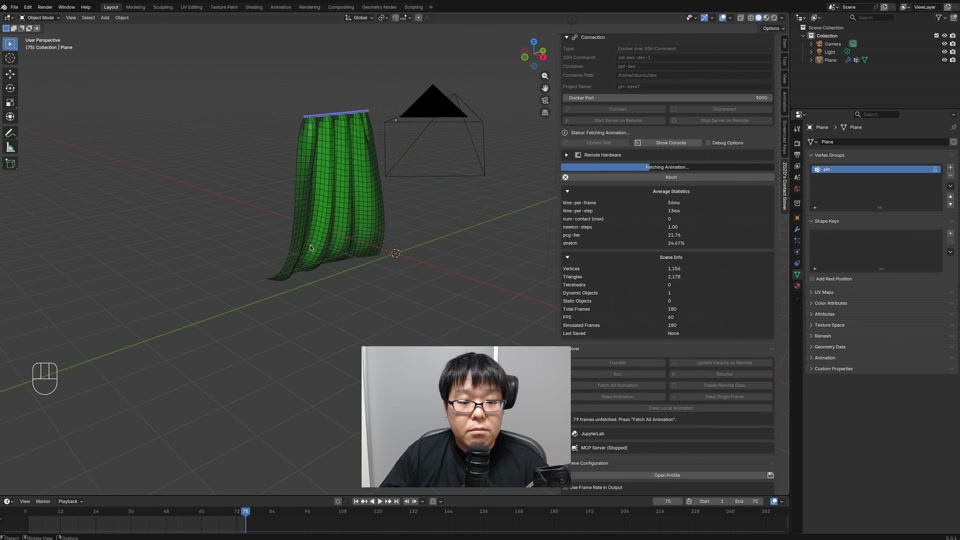
Static CollidersMark rigid objects as static obstacles for dynamic bodies to collide against.
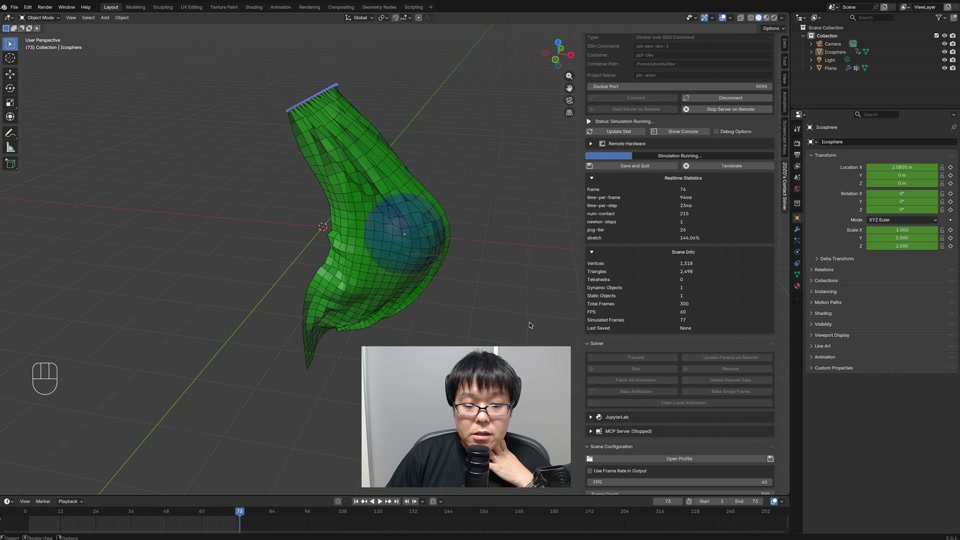
Inflating SheetsApply pressure to a closed shell so it puffs outward.
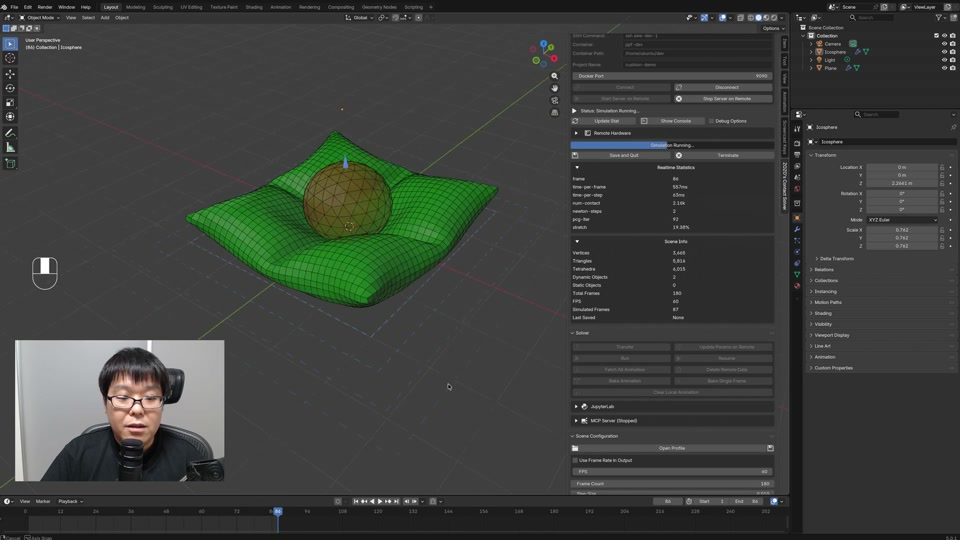
Strain LimitingCap per-element stretch so cloth and shells don't extend rubber-like.
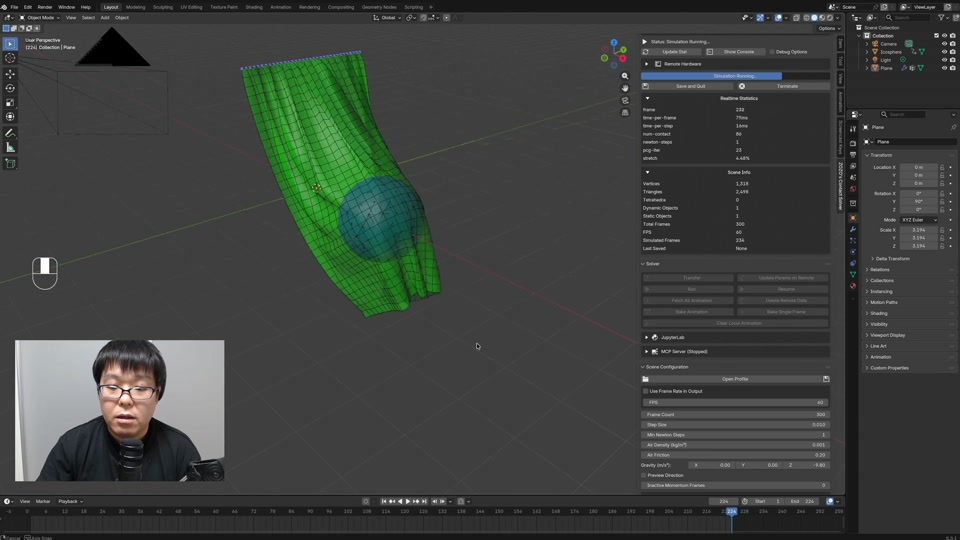
Wind EffectDrive cloth motion with a directional wind force.
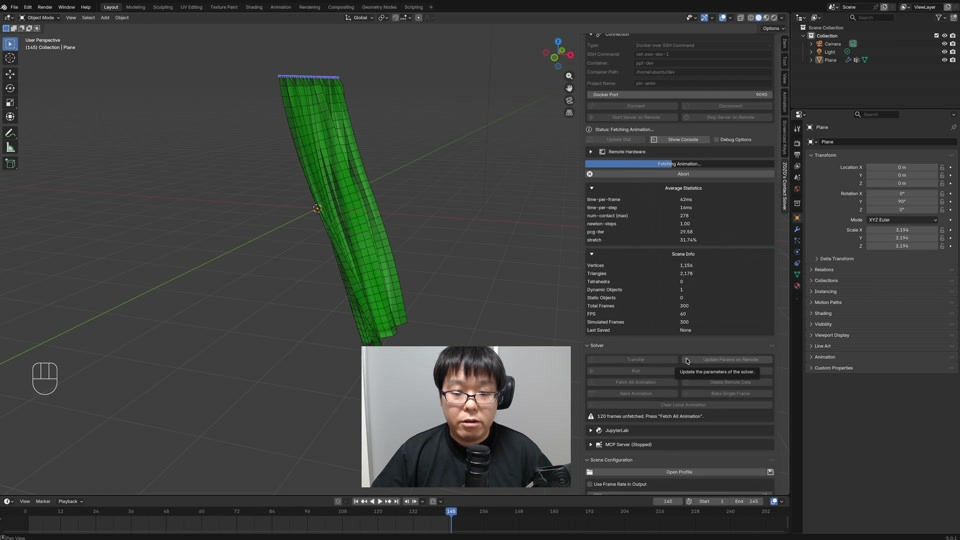
Snap and MergeSnap nearby vertices together and merge them into a single mesh.
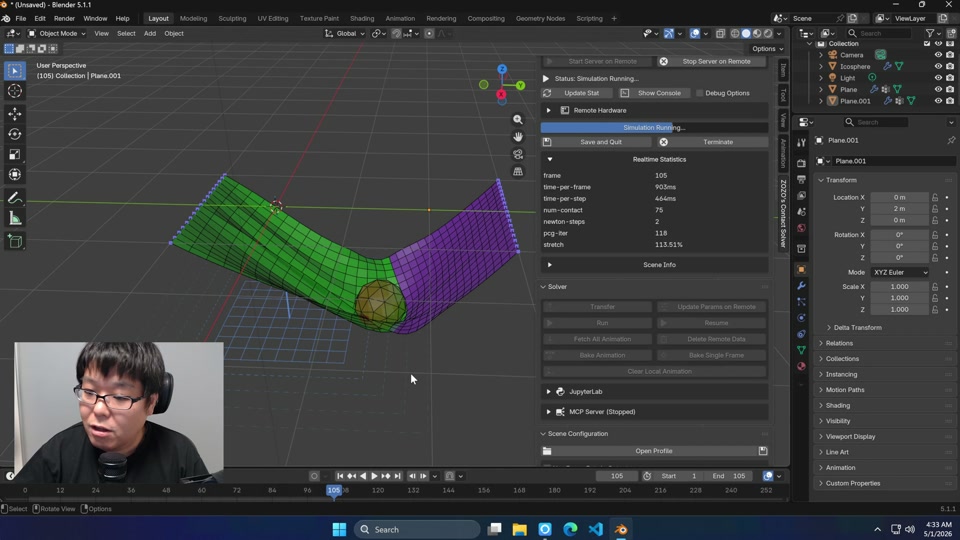
Save and QuitUse the save-and-quit function to checkpoint a session.
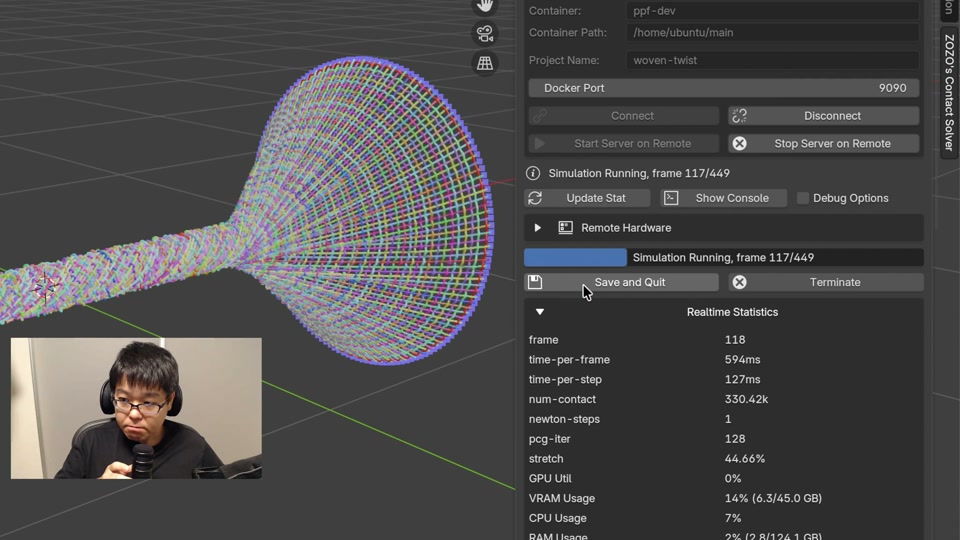
Shrink at RuntimeUse the shrink material parameter to let things shrink at runtime.
Shrink CurvesUse the shrink material parameter on curve rods to let them contract at runtime.